


AhaSave All Videos Downloader APP for Android Review and Best Alternative
Ahsave is an Android app that promises quick video downloads using links or a built-in browser. On the surface, it sounds simple and convenient, but once you start using it, questions come up about how it actually works, what it supports, and whether it is really reliable for things like OnlyFans downloads. In this AhaSave review, we will break down AhaSave in detail, look at its features, how to use it, and whether it is safe, and then compare it with a stronger AhaSave alternative for Android users.
What Is AhaSave All Videos Downloader APP for Android?
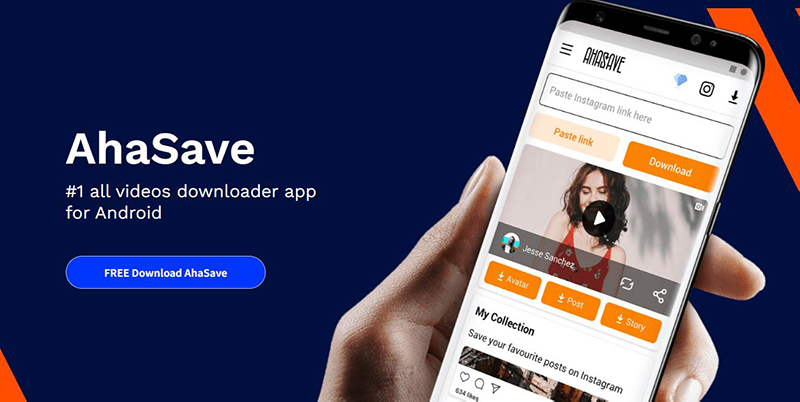
AhaSave All Videos Downloader is an Android application designed to help users download videos from different websites and social platforms using either a built-in browser or pasted links. It is mainly used for saving online videos for offline viewing without needing extra technical steps.

- Simple interface that is easy for beginners
- Supports multiple video platforms through link detection
- Built in browser for direct downloading
- Free to use with basic features

- Heavy ads that interrupt usage
- Download speed can be inconsistent
- Not all websites are reliably supported
- Performance issues with large or repeated downloads
- Limited advanced features compared to newer tools
How to Use AhaSave to Download OnlyFans Videos?
AhaSave uses its built-in browser and link detection system to help users download videos from supported sites. Its usage steps are simple but still depends on whether the app successfully detects the media file.
Step 1: Download AhaSave All Video Downloader from the Google Play Store on your Android phone. Once installed, open the app to begin.
Step 2: Launch the app and open the in-app browser, then search for OnlyFans and log in to your account to access your feed.
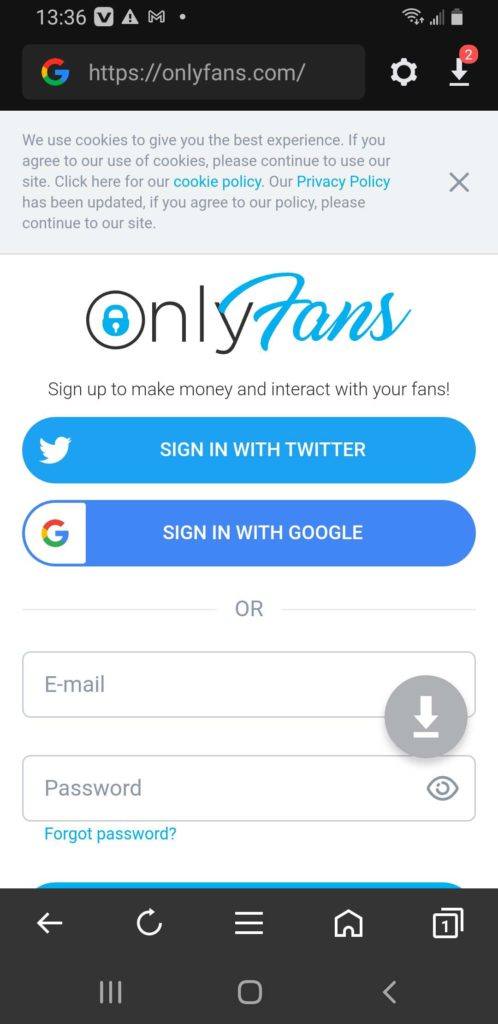
Step 3: Once detected, the download option will appear automatically. Tap the download icon to continue.
Step 4: The app will auto-detect the video link and show a download option. Tap the orange download icon.
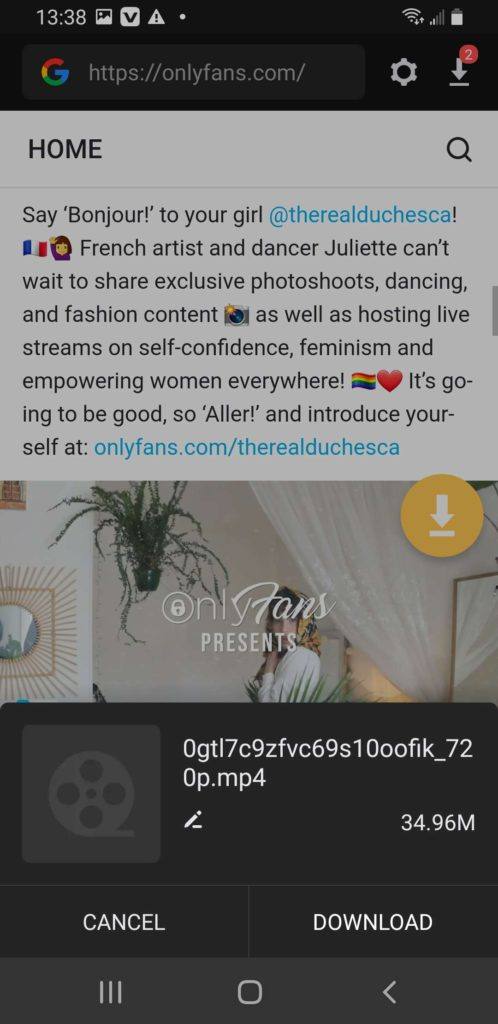
Step 5: Select your preferred video quality or resolution and confirm the download.
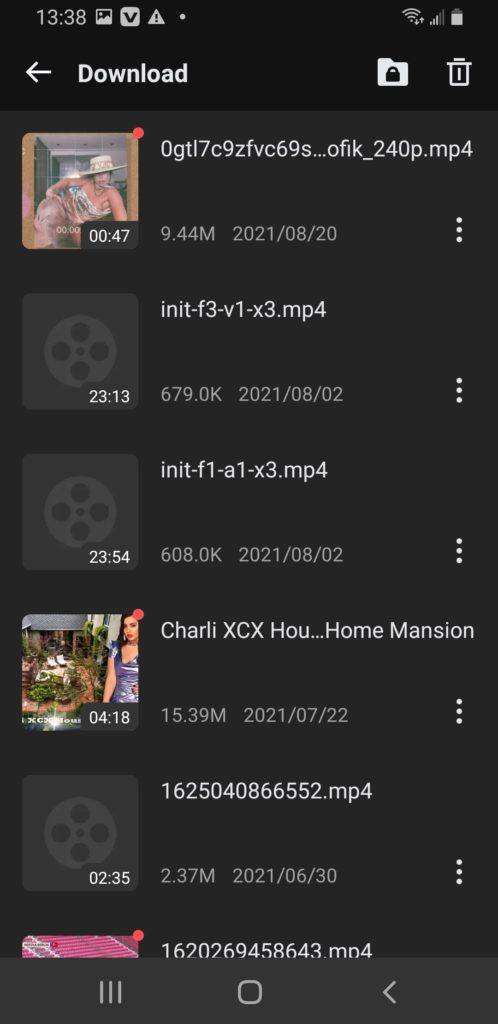
Step 6: After the process finishes, the video will be stored in your phone’s gallery and available for offline viewing anytime.
Is AhaSave Safe to Use?
AhaSave is generally okay to use since it’s available on the Google Play Store and doesn’t require anything risky like rooting your phone. So on a basic level, it won’t harm your device just by installing it. But the real issue shows up in everyday use. The app relies heavily on ads, and sometimes those ads can feel a bit too aggressive or lead you away from what you were actually trying to do. On top of that, it asks for permissions that you should always look at carefully, especially if something feels unnecessary. So yes, it works and it’s not “dangerous” in a strict sense, but it’s not always smooth either. If you’re just using it casually, it’s fine. If you’re expecting a clean, stable experience for regular downloading, it can feel a bit messy and inconsistent.
StreamFork Not Working? Best Alternative to Download OnlyFans Video on Android?
If StreamFork is not working, it usually means the app has stopped detecting content properly or downloads are failing due to platform updates. Instead of dealing with unstable tools, many users switch directly to YT Saver for Android, which is built to handle downloads more reliably and consistently across different websites and content types.
With YT Saver for Android, you can download HD videos from Onlyfans and Fansly to your Android directly without any quality loss. It also supports converting videos into formats like MP4, MP3, AAC, and M4A, so you can use files across different devices without restrictions.

- Support OnlyFans, Fansly, YouTube, Facebook, TikTok and more
- Download OnlyFans DRM Videos in 1080p HD
- Save Videos from OnlyFans Chat/Messages Easily
- Bulk Download Videos from Favorite OnlyFans Creators
- Comes with privacy mode to protect your downloaded Onlyfans contents
How to Download Videos from OnlyFans on Android Phone?
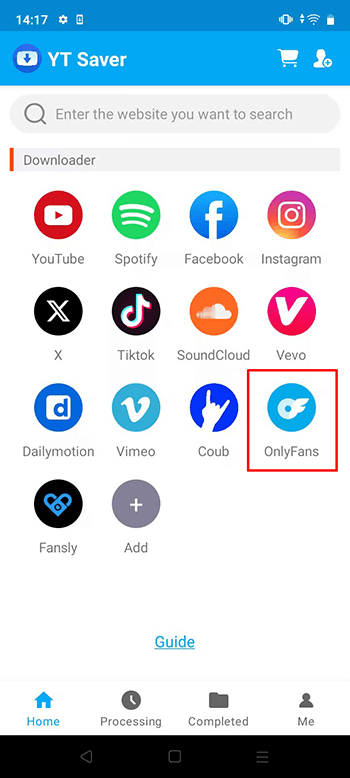
Step 1 Open the YT Saver app on your Android device and enter the home interface, click on the OnlyFans logo.
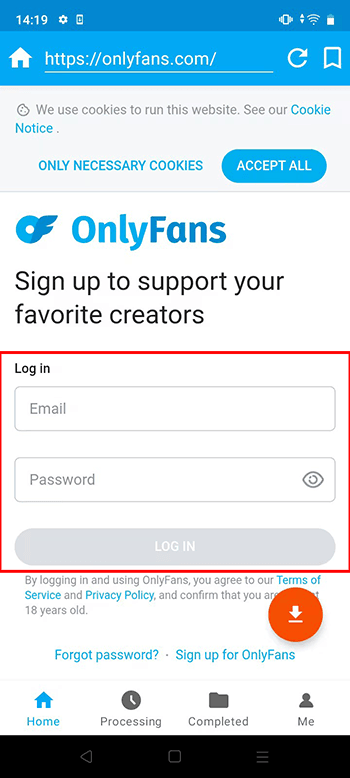
Step 2 Use the built-in browser to login your OnlyFans account.
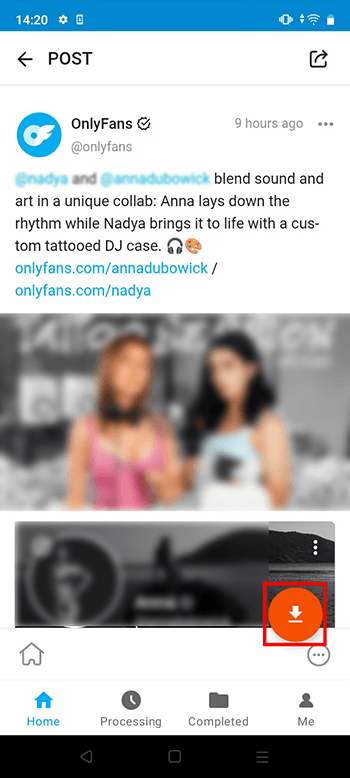
Step 3 Choose the video you want to download and click on the Download button.
Step 4 After detection, choose your preferred output format and quality from the settings panel.
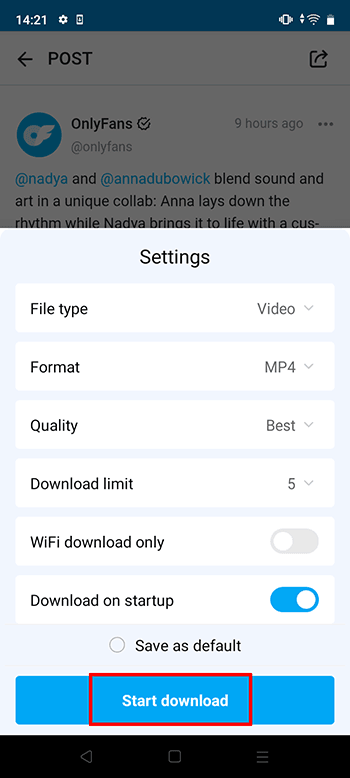
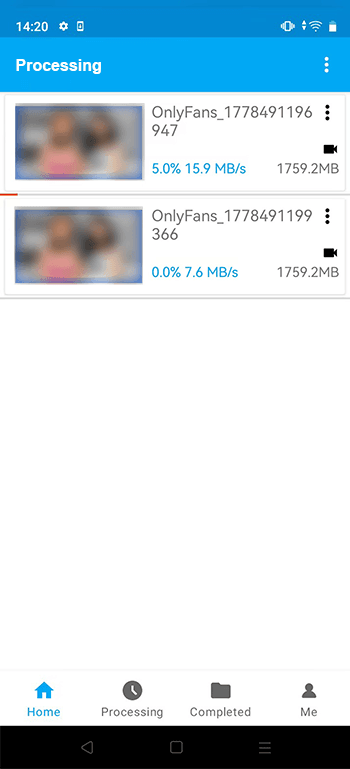
Step 5 Confirm the settings and start the download. You can track progress inside the download section of the app until it finishes.
Conclusion
AhaSave is fine if you just need something quick on Android and don’t expect too much from it. It can handle basic downloads, but once you use it more often, the cracks start to show. Ads get in the way, downloads don’t always work smoothly, and sometimes it just fails to pick up the video properly. That’s usually the point where people start searching for something more dependable. Apps like YT Saver for Android feel more stable in comparison, with better speed and fewer interruptions, especially when you’re downloading regularly from different sites. At the end of the day, it really comes down to what you want. If you just need something light for occasional use, AhaSave does the job. But if you care about consistency and fewer headaches, a stronger tool makes more sense.
- 4 Best Methods to Download Fansly Video on Android Devices
- [2026 Update] 4 Best Fansly Video Downloader for Android Users
- What is OnlyFans++ APK? It is Really Access Premium OnlyFans Contents for Free? Here is The Answer!
- Streamfork Review: It Is Worth to Purchase? and Best Alternative
- [2026 Update] 4 Best OnlyFans Video Downloader for Android Phones

